My Plant Planner
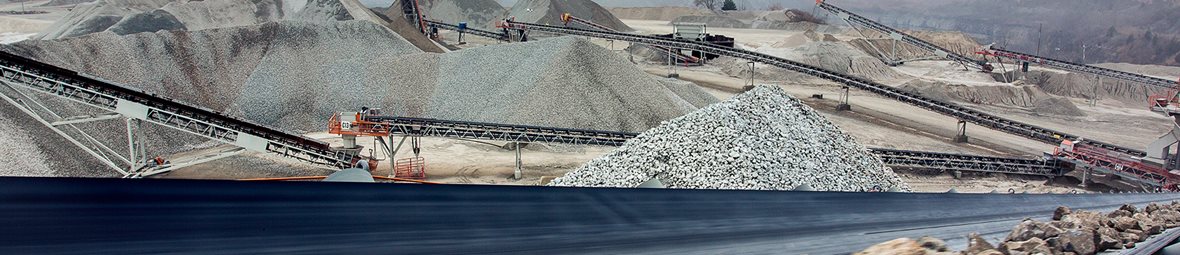
Why My Plant Planner?

Design and simulate more productive, profitable and efficient plants in the same tool

Discover useful insights for better decision-making

Download a detailed report of your designed plant
No need to switch between different configurators – unique to My Plant Planner, you can design and simulate your ideal crushing and screening plant in the same tool. Best of all, it’s all in 3D. Play around with crushers, screens and conveyors to get the perfect balance for your plant and easily identify bottlenecks to understand where extra capacity is needed.
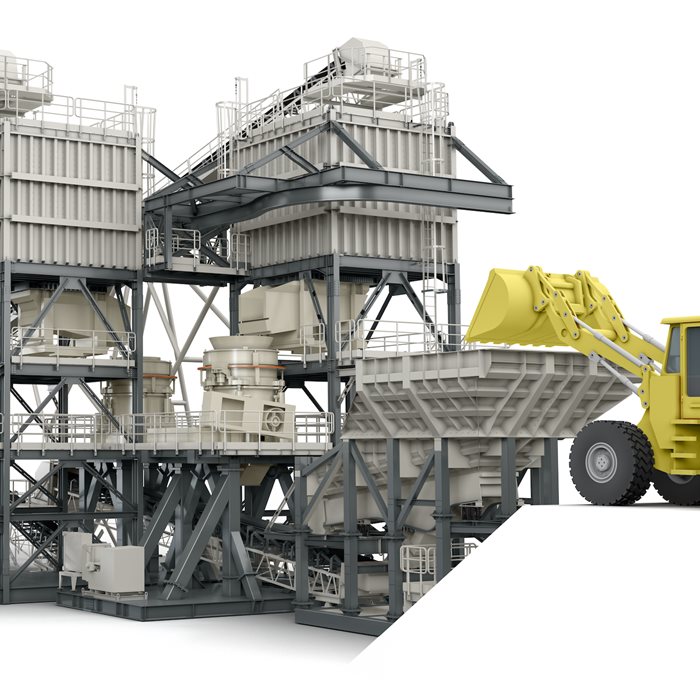
It’s easier to make better decisions with My Plant Planner. Test out different configurations and operating conditions to see how they affect process performance. Important factors such as capacity, load, and power draw are updated in real time as you design your plant and update parameters. The configurator makes it easy to predict general power consumption of your system and see the footprint of your plant - a feature exclusive to My Plant Planner.
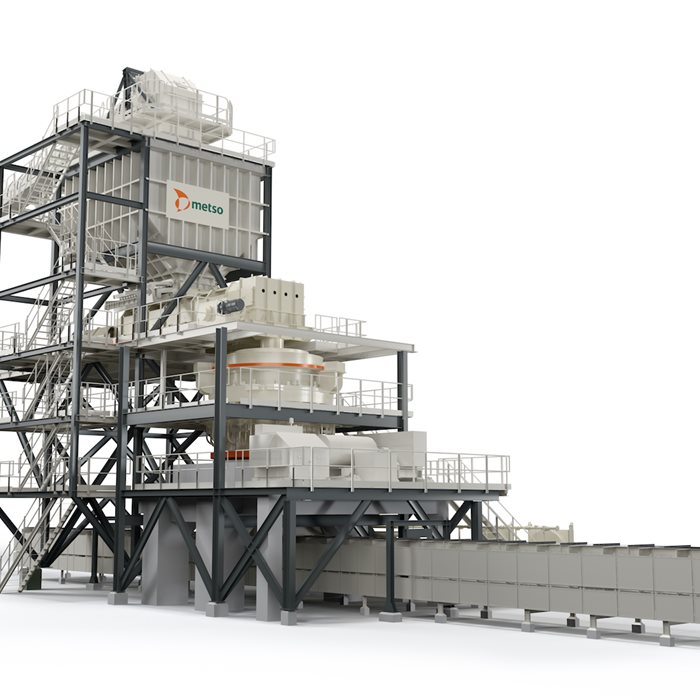
At any point, you can download a report that gathers together all the details about your plant. It includes details on your chosen crushers, screens, conveyors and their parameters, including important information such as power consumed.
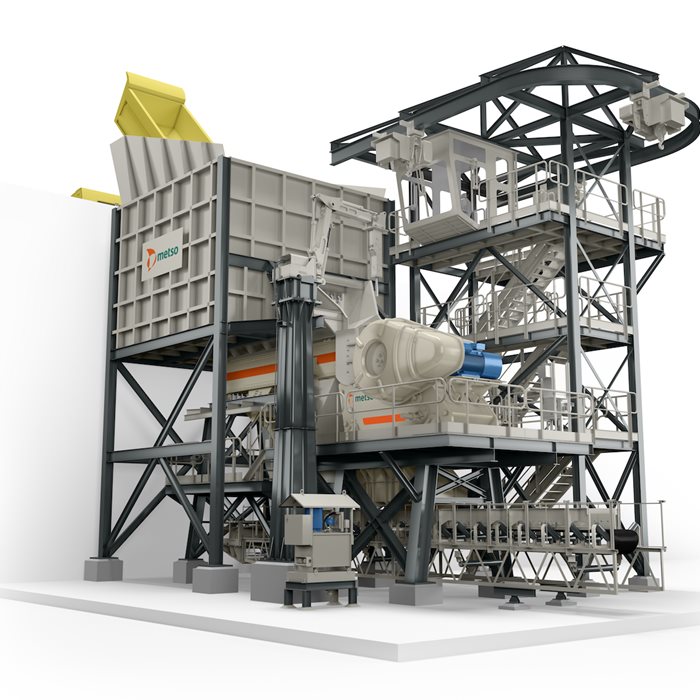
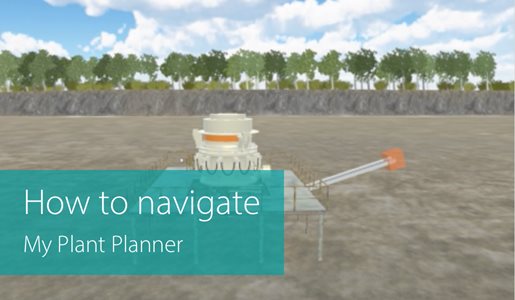
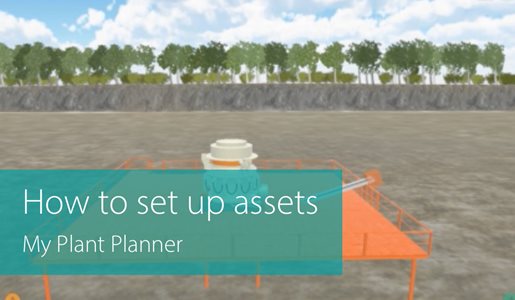
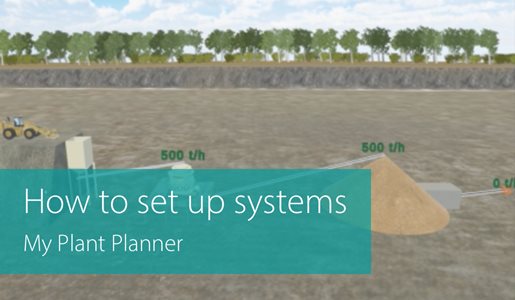
Learn how to use My Plant Planner
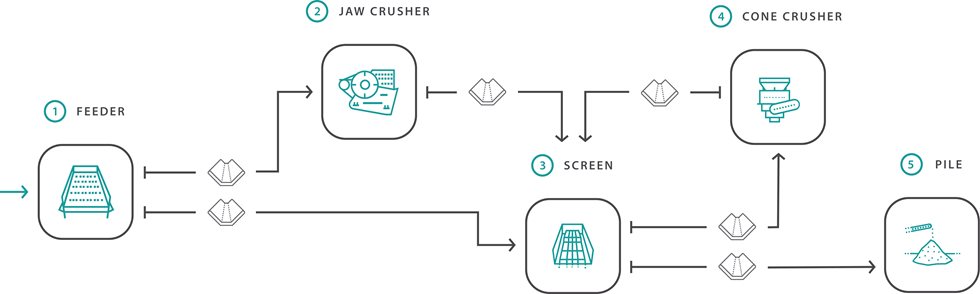
Primary and secondary crushers in a closed plant
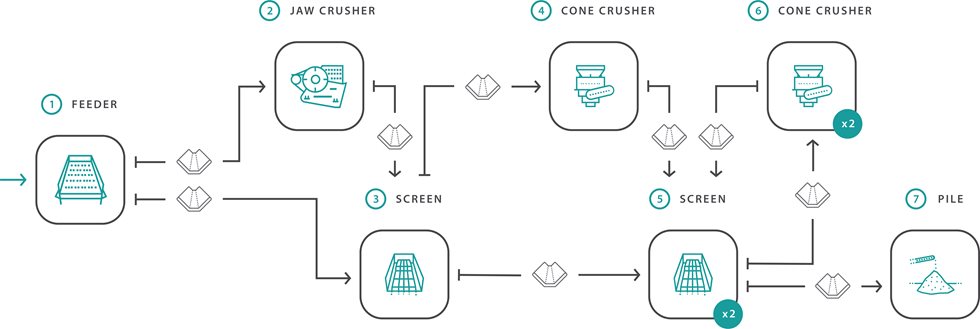
Primary and secondary crushers in an open plant with two tertiary crushers in a closed plant
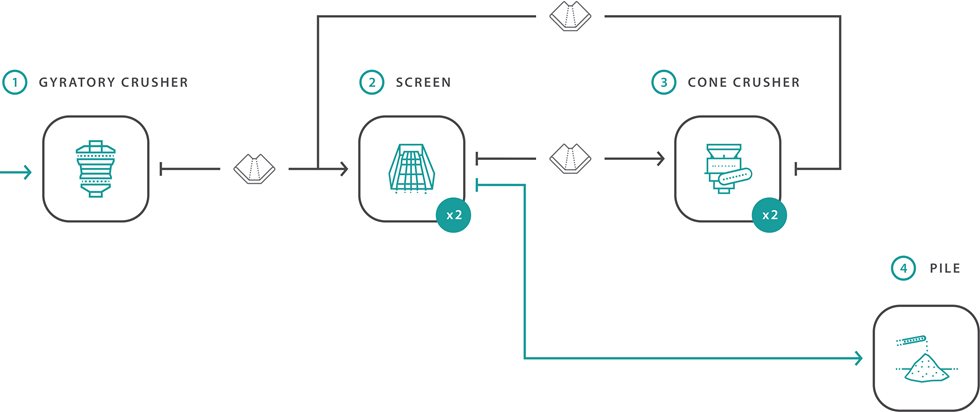
PG6089, 2xMF3073, 2xMP1250 in an open plant

Hopper with a pebble feed curve with a MP800 cone crusher stand alone

PG 6089 MKIII stand alone
